Resume a session
Sessions keep running in the Tyrn backend when you close the window, so you can leave and come back.
Reattach to a running session
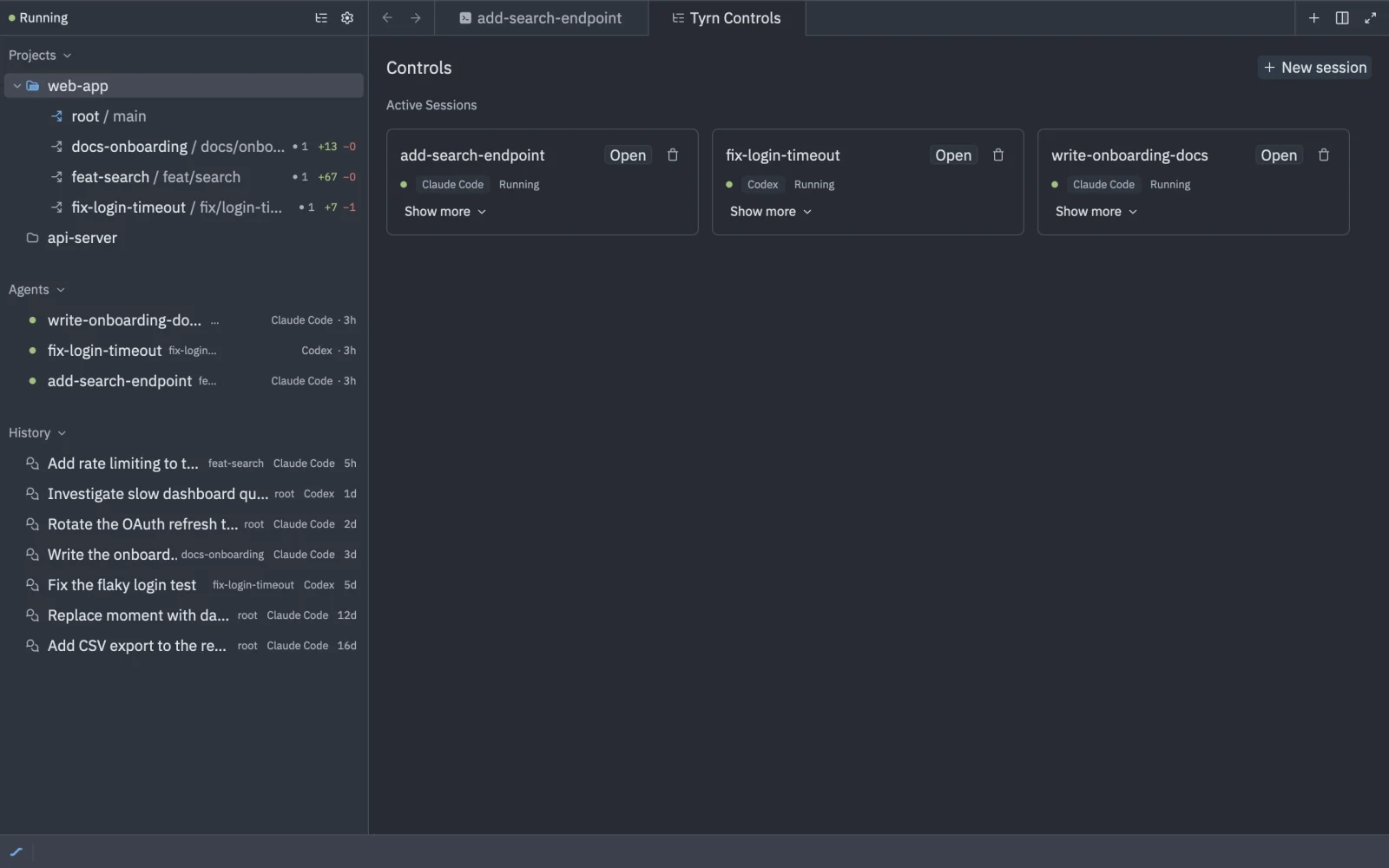
Close the window or quit Tyrn and the session keeps working. Reopen Tyrn and open the project. Running sessions are listed under Agents. Open one to attach to it again, or run tyrn: attach session.
If you see Detached on a tab, another viewer took over that session. If you see Disconnected, the tab lost its connection to the backend and shows the reason.
Resume a past conversation
Past conversations are listed under History in the sidebar. Use Show more to list older ones. Open a row’s menu:
- Resume Here: continue the conversation in this project.
- Resume in Its Worktree: continue it in the worktree where it ran. This appears when that worktree differs from where you are.
You can also choose Hand Off to… on a past row to continue in another harness. See Hand off.
When the backend restarts or stops
If the backend isn’t running, the sidebar shows “Daemon is not running.” with a Start daemon button. Click it to start the backend again.
Restart daemon and Stop daemon end running sessions. Past conversations are listed under History, where you can resume them.
The backend starts again on its own the next time you create or open a session.