How Tyrn works
Tyrn is two things that work together: the editor you see, and the Tyrn backend that runs your agent sessions.
Tyrn editor (the window) | | attach, detach, send messages v Tyrn backend (keeps running) | +-- session: Claude Code --> model +-- session: Codex --> model +-- session: Gemini CLI --> modelThe editor
The editor is a native app for macOS and Linux. You edit code, use the terminal and Git, and manage projects in windows. Agent sessions appear as tabs, and the sidebar lists them under each project.
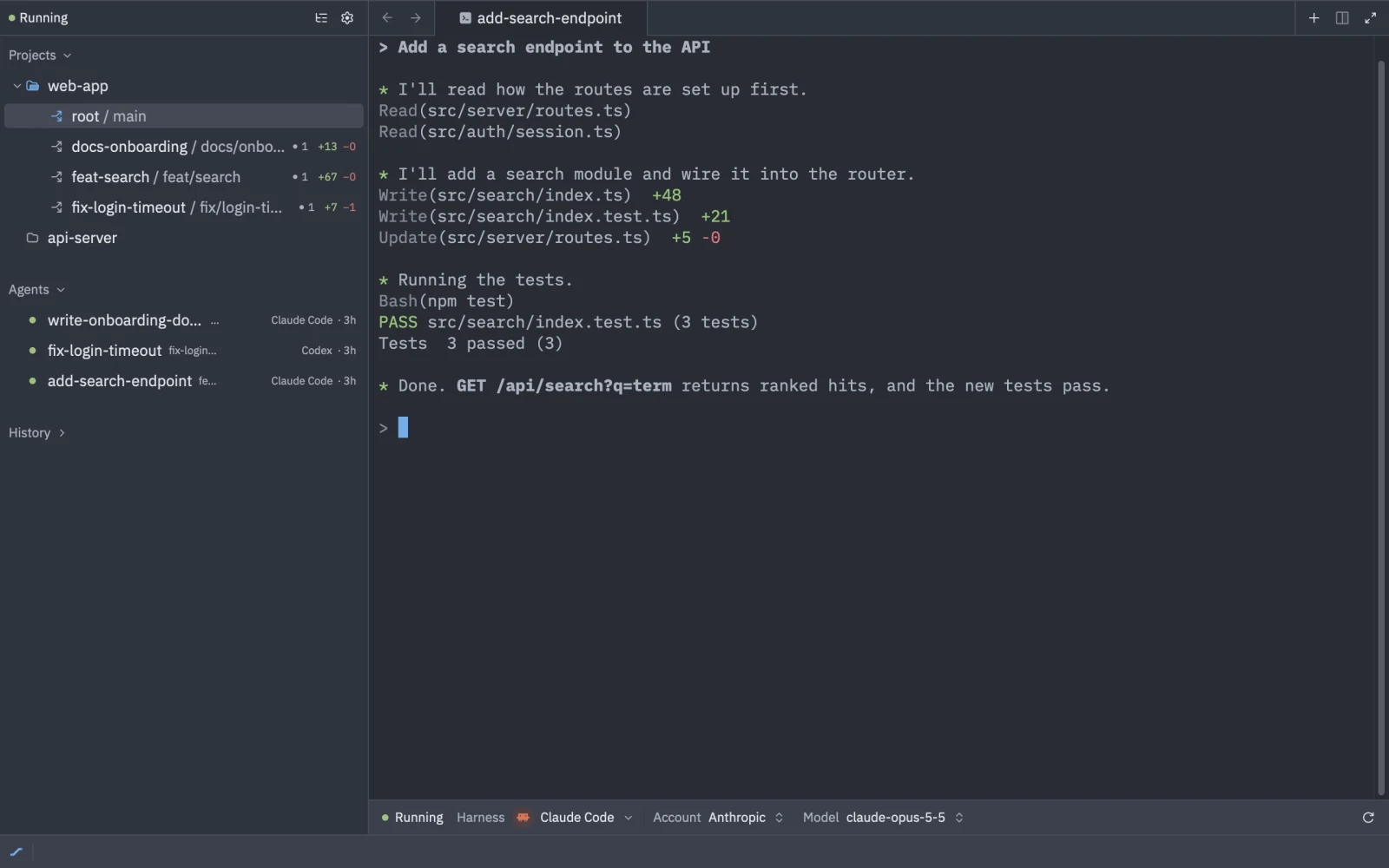
The backend
The Tyrn backend ships inside the app and starts on its own when you create or open a session. It runs detached from the window and keeps running after you quit Tyrn.
Because sessions live in the backend, they outlive the window:
- Close a window and its sessions keep working.
- Quit Tyrn, reopen it, and attach to the same sessions.
If the backend stops, running sessions end. See Resume a session.
Harnesses run on your machine
A harness is a coding agent such as Claude Code or Codex. Tyrn installs a tested version of each harness you choose under ~/.tyrn/harnesses/ and runs it on your Mac, in your project folder or a worktree. Tyrn launches each session with its own generated settings, so your global harness configuration is mostly not used. See Harnesses.
Native or Tyrn router
Each session picks where its model calls go:
- Native: the harness uses its own sign-in and talks to its own provider.
- Tyrn router: the harness’s requests go through the providers you connected in Tyrn: subscriptions, API keys or local models.
Either way, prompts and code go from your Mac to the provider behind the model, not to Tyrn. See Models and providers.
What stays local
- Your code, your sessions and the harnesses run on your Mac.
- Provider keys and tokens are stored under
~/.tyrn/router/credentials/, readable only by your user. Connector secrets and the sign-in token are in the macOS Keychain. - Telemetry and crash reports are off in this release.
See Privacy for the full list of network connections.