Harnesses
A harness is a coding agent that runs in a terminal, such as Claude Code, Codex or Gemini CLI. Tyrn installs, runs and manages them so you can use any of them from one editor.
Built in
Tyrn includes 39 harnesses, including Claude Code, Codex, Gemini CLI, GitHub Copilot CLI, Cursor Agent, OpenCode, Aider, Amp, Cline, Goose and Qwen Code. See Supported harnesses for the full list and what each supports.
Install and manage
Open Settings > Agents > Harnesses. It lists what’s Installed and Available. Use Install, Update, Uninstall or Retry. Open a harness to see its Installed version, Approved version, Install method, Requires, Last error, Auto-update and who installed it (Tyrn or Existing install).
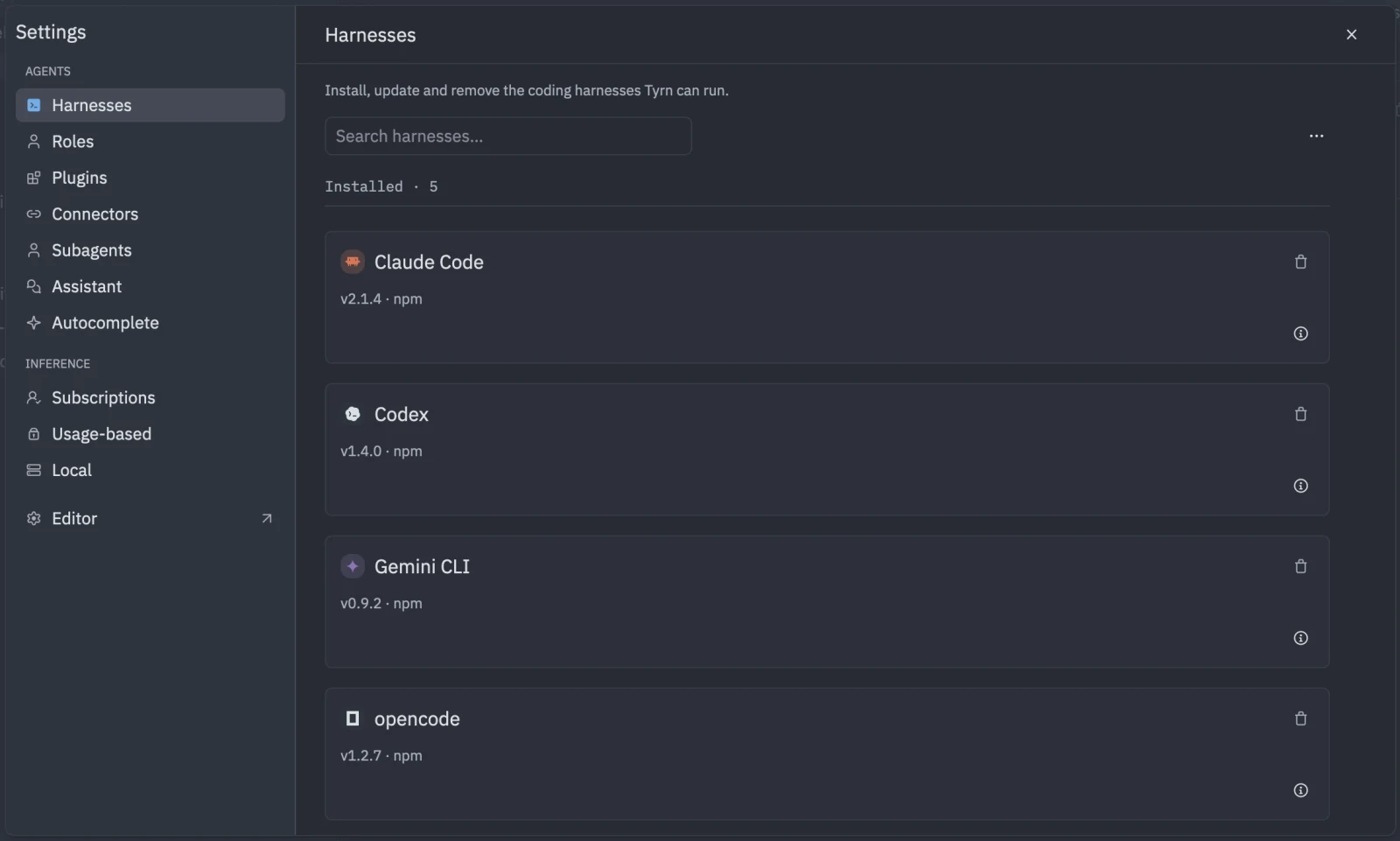
- Tyrn installs a tested (“approved”) version of each harness. It sets up Node or Python for the harness when needed.
- Tyrn turns off the harness’s own self-updater, so versions don’t change under you.
- Auto-update is per harness and on by default. It only updates a harness that has no running session. The toolbar menu has “Auto-update all”.
- Import N addons on an installed harness copies your existing addons into Tyrn. Your existing setup isn’t changed, and imported addons are on by default.
Defaults
Choose Configure on a harness to set what new sessions start from. Fields you leave on their default inherit the harness’s own behavior. These are stored in tyrn.harness_defaults.<harness_id>.
Isolation
Tyrn launches each harness with its own per-session settings, so your global harness configuration is mostly not used. How completely depends on the harness. The session form shows notes such as “Plugins: Codex provides additive Plugin isolation. Unselected global Plugins may remain active.”