Sessions
A session is one running harness with its own conversation. You can run as many as you like, in the same project or different ones.
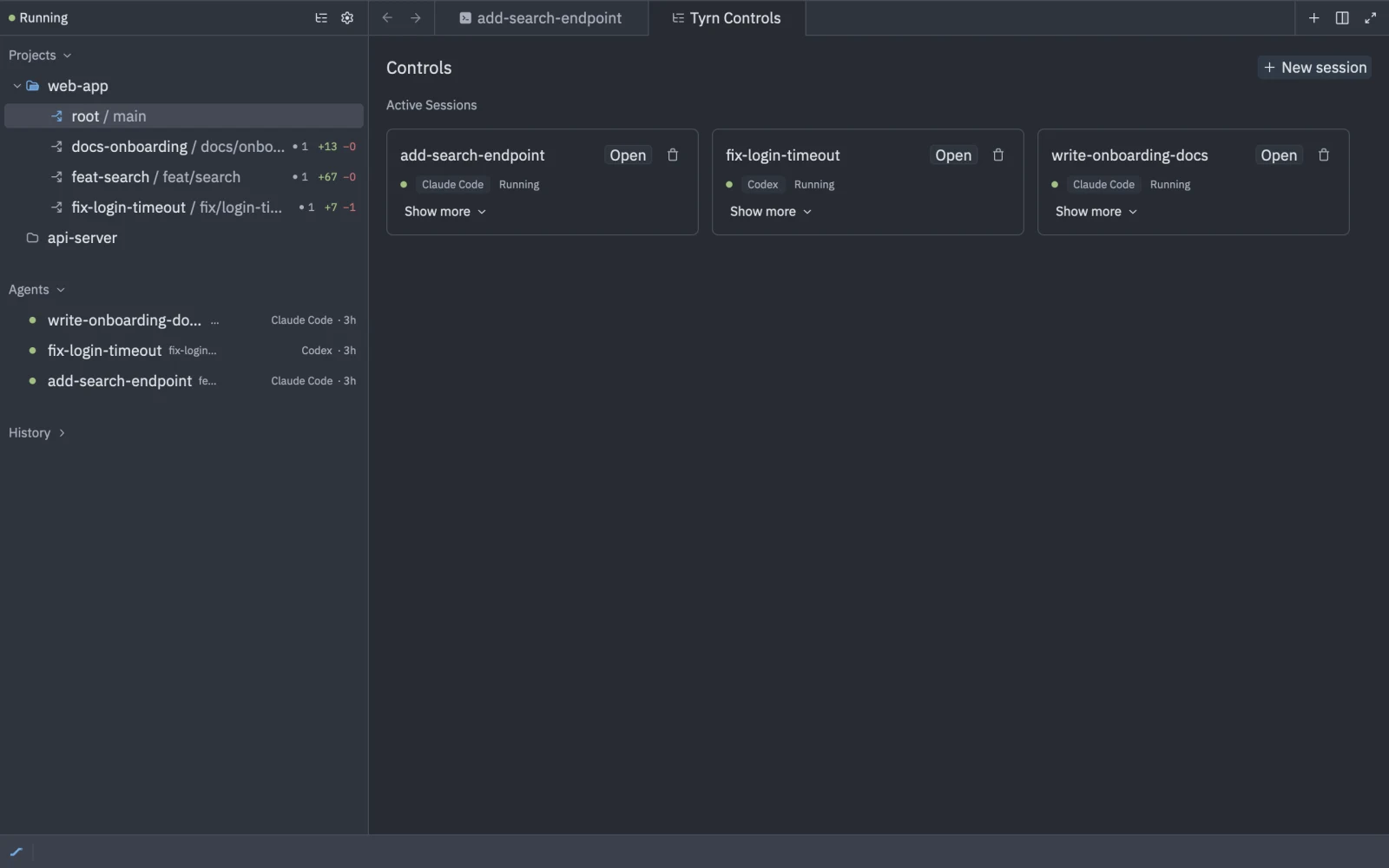
What a session has
When you start one (see Start a session), you choose:
- A Harness, such as Claude Code or Codex.
- A Worktree: this workspace, an existing worktree or a new one.
- Inference: Native or Tyrn router, and a model.
- Optionally a name, a Role, Plugins and Subagents.
Sessions outlive the window
Sessions run in the Tyrn backend. Closing the window or quitting Tyrn doesn’t stop them. Reopen Tyrn and attach again. See Resume a session.
States
In the sidebar a session is Attached or Running. In its tab you may see:
| State | Meaning |
|---|---|
| Running | The session is active. |
| Detached | Another viewer took over the session, so this tab was detached. |
| Disconnected | The tab lost its connection to the backend. A message gives the reason. |
| Exited | The harness ended. |
| Restarting… | The session is restarting. |
| Switching to X… | A handoff is in progress. |
Managing sessions
Each row in the sidebar has Kill (asks you to confirm) and Rename. Restart with New Settings… restarts a session with changed options. The transcript notes that it “restarted with updated settings”.
Command palette commands: tyrn: new session, tyrn: attach session, tyrn: kill session, tyrn: open terminal (opens the first installed harness) and tyrn: open shell terminal (a plain shell, shown as “Shell”).