Explain, rewrite and commit
The assistant uses a harness and role you choose to power three editor actions. It uses harnesses that support a read-only one-shot mode.
Set it up
Open Settings > Agents > Assistant. “Choose the harness and role that power Explain, Rewrite selection and Generate commit message.” It is off until you choose a harness. The first time you use an action it opens “Choose a harness…”.
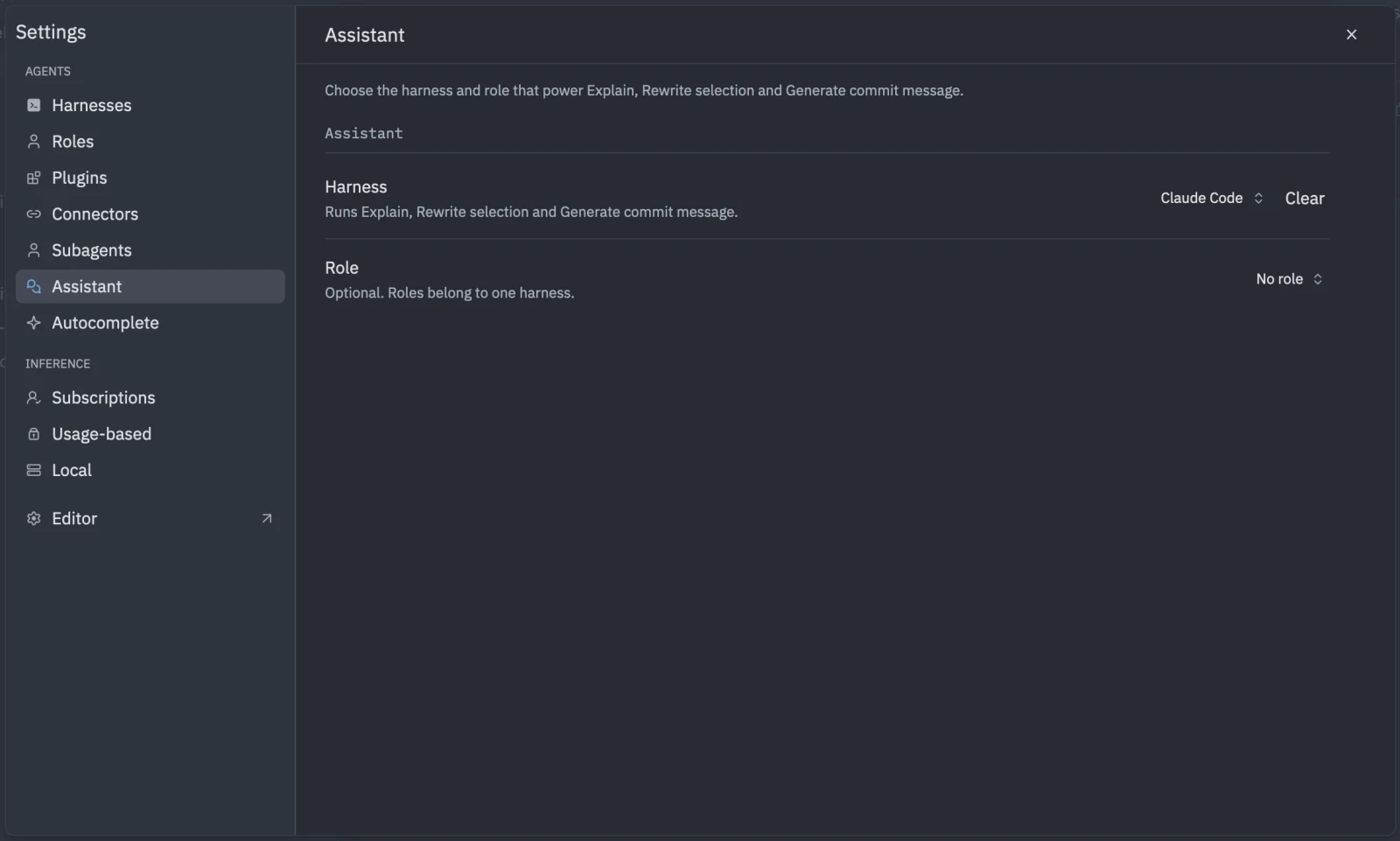
{ "tyrn": { "assistant": { "harness": "claude_code", "role": null, "timeout_seconds": 120 } }}The harness id above is an example. Use the one for your harness.
Explain
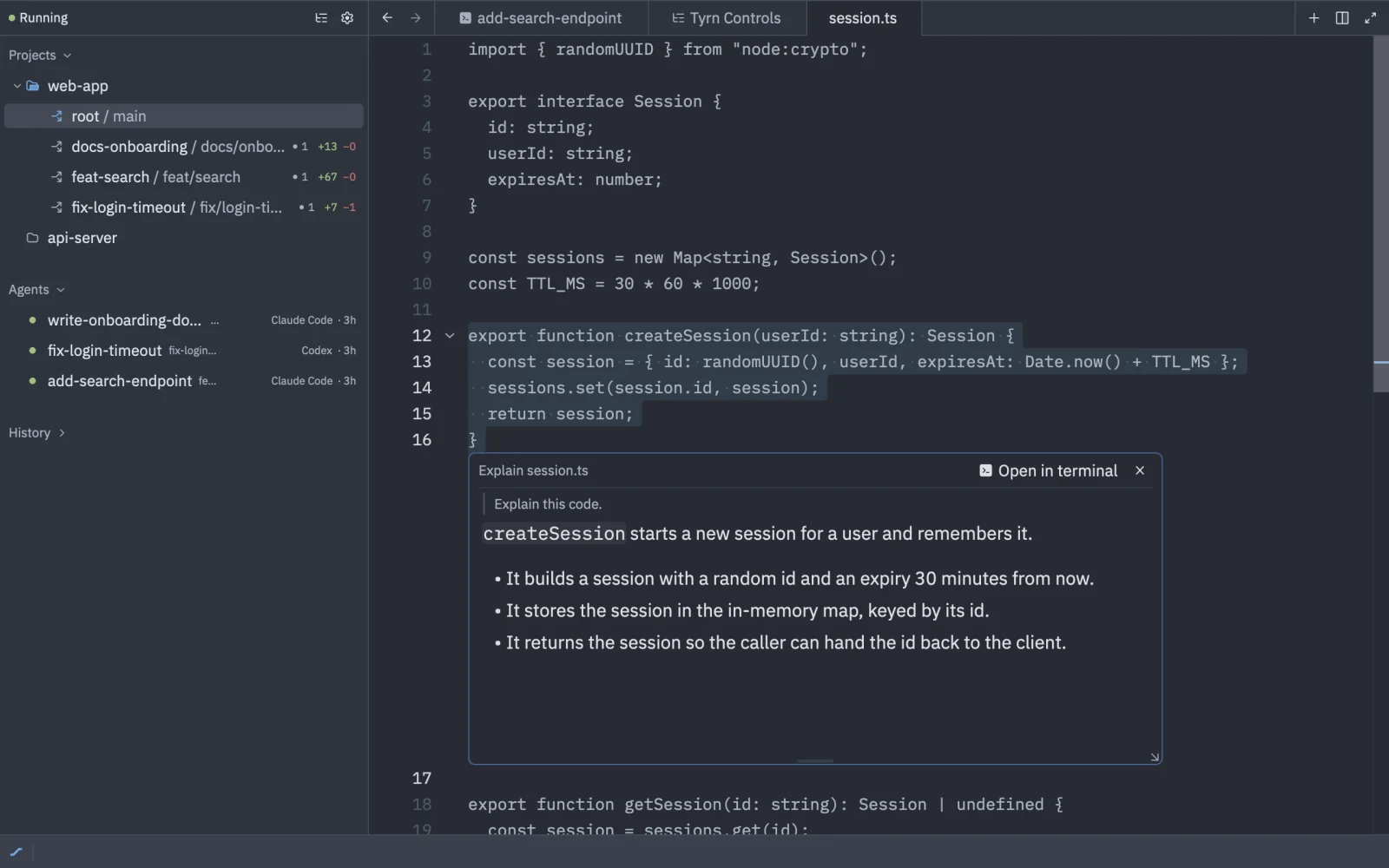
Right-click a selection or a file and choose Explain. A read-only Markdown tab opens with the explanation.
Rewrite selection
Select code, then right-click and choose Rewrite Selection, or press ctrl-enter. Type what you want at “Describe how to rewrite the selection…” and click Rewrite. Tyrn shows a diff. Choose Accept, Reject or Edit instruction.
Generate commit message
In the git panel, use Generate commit message (alt-tab) to write a message from your changes.