Marketplace
The Tyrn marketplace lists curated plugins, skills, connectors, subagents and roles. It lives at https://marketplace.tyrn.dev.
Browse and install
- Open Settings > Agents > Plugins.
- Open the Browse tab.
- Search, then open an item to see its details, such as publisher and the harnesses it supports.
- Click Install.
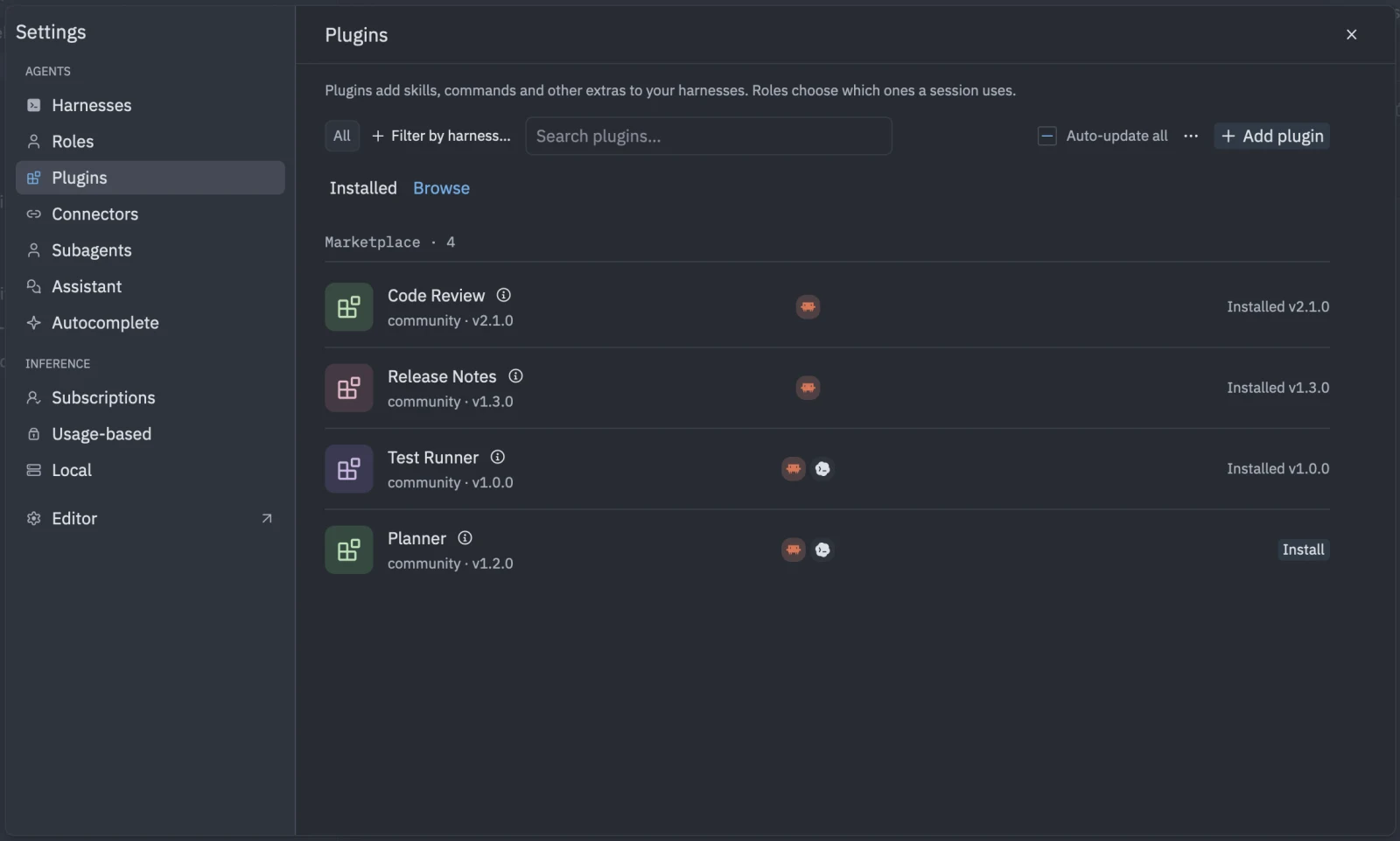
Tyrn only contacts the marketplace when you open Browse. Use Refresh marketplace in the toolbar menu to reload it.
If it can’t be reached, you see “Couldn’t reach the marketplace.” Check your connection and refresh.
Items marked “Runs code on your machine” can run programs. An item that can’t be used shows “Not installable” and why.
Get listed
Listing is curated. If you want yours included, contact hi@tyrn.dev. You don’t need a listing to share a plugin: see Publish a plugin.