Run sessions in parallel
You can run as many sessions as you like at once. Give each its own worktree so every agent has its own branch and directory and they don’t overwrite each other’s files.
Create a worktree
In a Git project, the sidebar lists the project’s worktrees. Click the New worktree (+) button and fill in “Worktree name” and “Branch name”. New worktrees are created in the folder set by the Git setting worktree_directory, which defaults to "../worktrees".
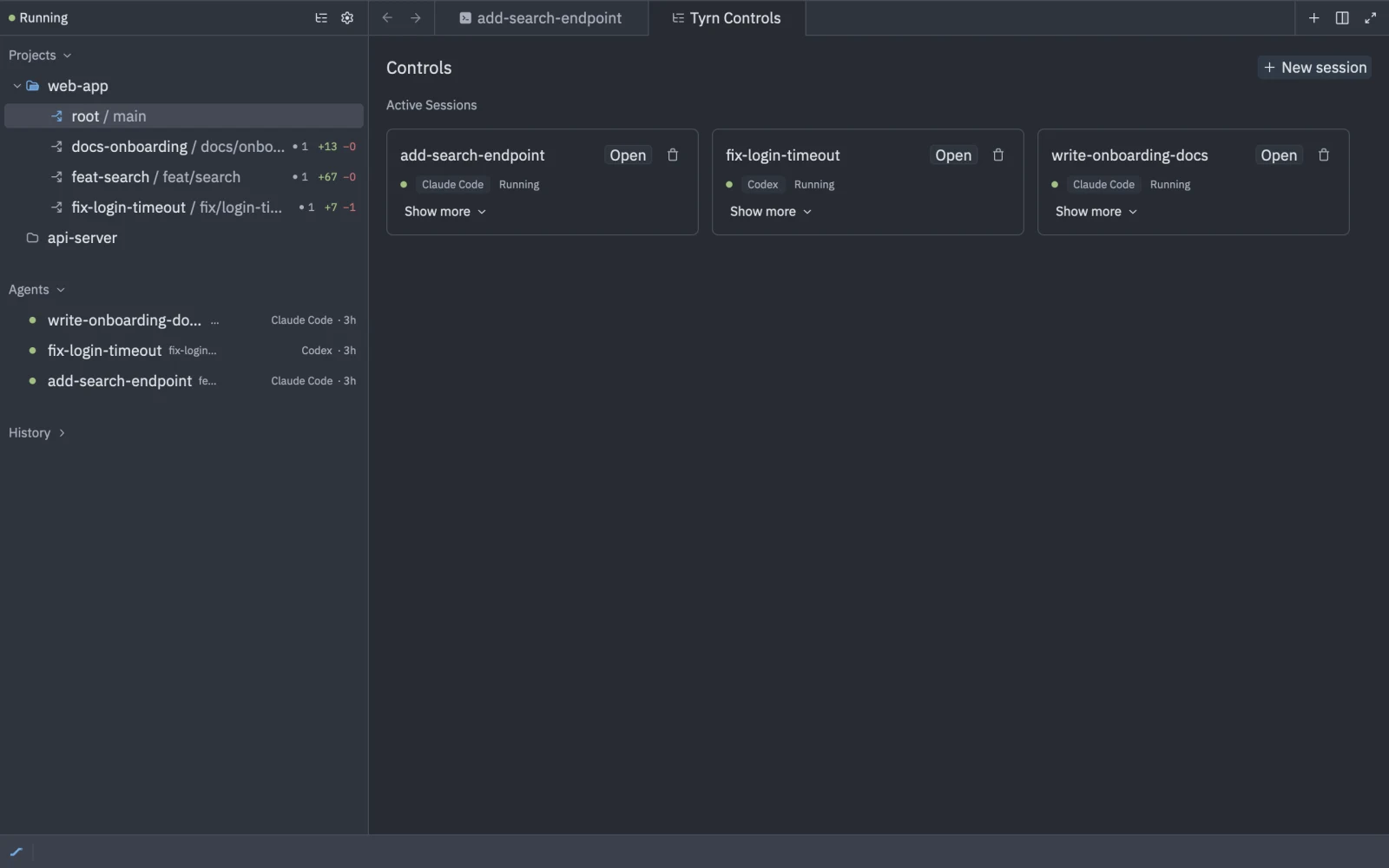
You can also pick “New worktree…” in the Worktree field when you start a session.
{ "git": { "worktree_directory": "../worktrees" }}Start an agent in a worktree
Choose New Agent Here on the worktree’s menu. The session starts in that worktree.
Worktree menu
- New Agent Here
- Rename Branch…: disabled while agents are running in the worktree.
- Create Branch…
- Merge into
<base>…: asks you to confirm. If there are conflicts, or uncommitted changes, it tells you, and may ask you to commit or stash first. - Remove: asks “Remove worktree X?”. The worktree’s directory is deleted and the branch is kept. If there are uncommitted changes, choose Remove anyway. The project root can’t be removed.