Roles
A role is a saved setup for one harness: its settings, plugins and subagents. Pick a role when you start an agent instead of configuring it each time. Open Settings > Agents > Roles.
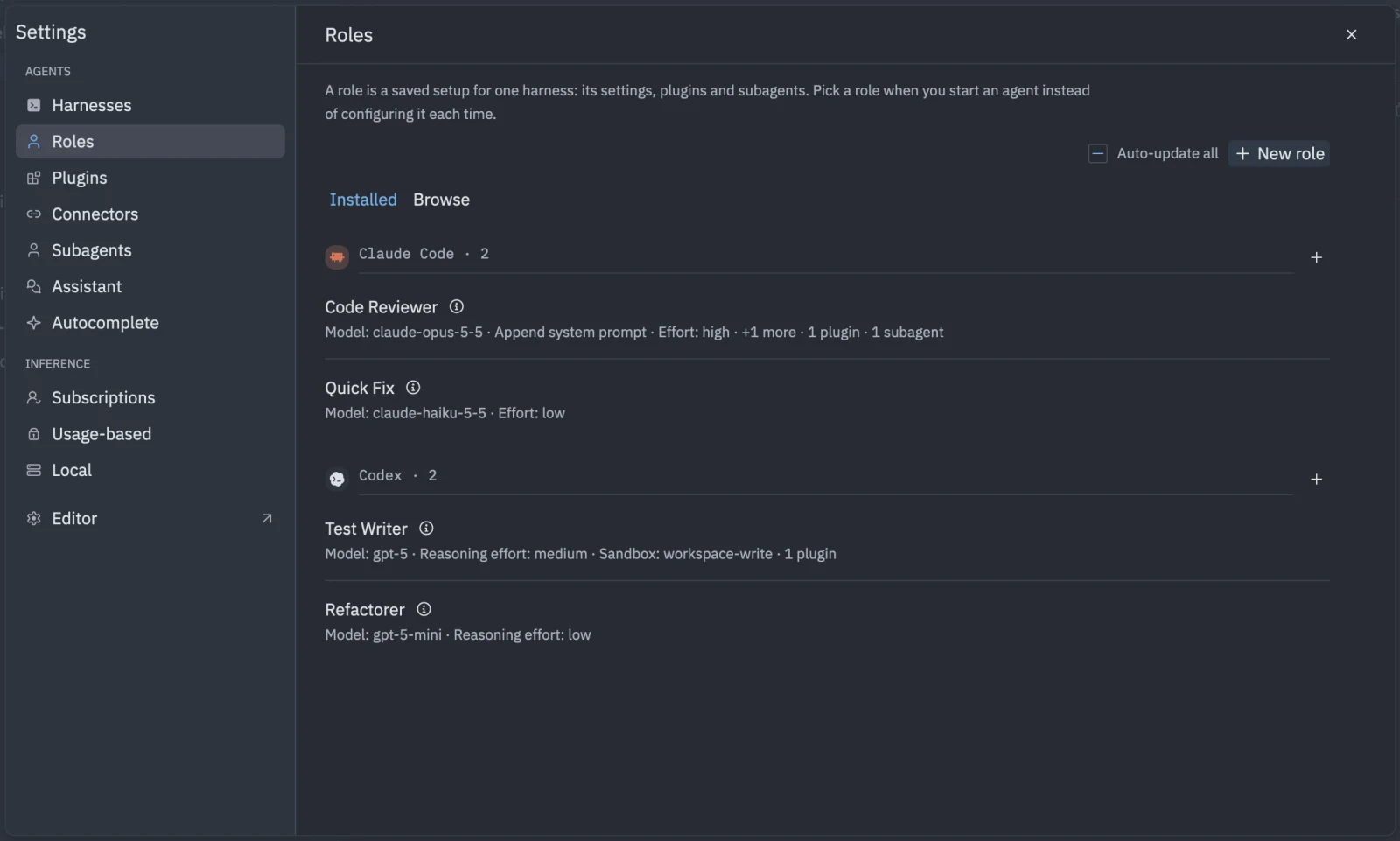
Create a role
- Open Settings > Agents > Roles. With no roles the page says “No roles yet”.
- Click New role.
- Enter a Name, for example “Senior Reviewer”.
- Choose the Harness. A role belongs to one harness.
- Set the harness’s Settings, such as model or permission mode.
- Under Plugins, choose the skills, commands and extras it can use.
- Under Subagents, choose the helpers it can delegate to.
- Click Save role.
Use the search box to find a role in a long list. Click a role to edit it, or Delete to remove it.
Roles you create in Tyrn show “Created in Tyrn (no git repository)”. Roles installed from a repository or the marketplace show where they came from and can be updated like plugins.
Use a role
- In the session form, pick the role in Role. See Start a session.
- In Settings > Agents > Assistant, choose the role that powers Explain, Rewrite selection and Generate commit message. See Explain, rewrite and commit.
- In Settings > Agents > Harnesses, set a role as a harness default. See Harness defaults.
Roles are stored in ~/.tyrn/roles/.