Hand off to another harness
Hand off moves your work to a different harness without starting from nothing. Use it when another harness suits the next part of the task.
How to hand off
Either:
- Use the Harness dropdown in the session tab (“Pick another to hand it over”).
- Choose Hand Off to… on a running or past session row in the sidebar.
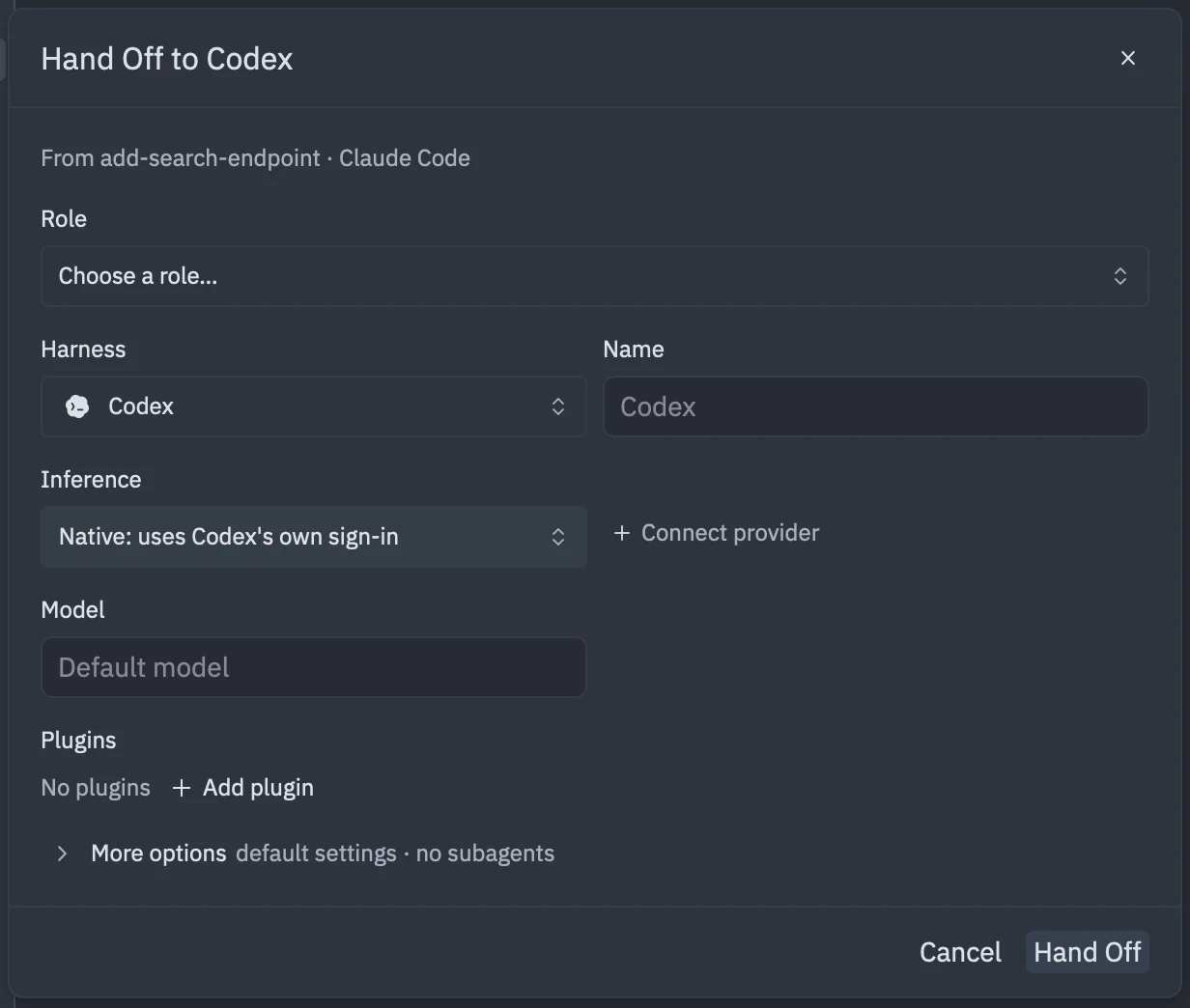
The form is titled Hand Off to <harness> and shows “From <conversation> · <harness>” with the conversation you are moving. Pick the harness to move to, adjust the model or options if you need to, and click Hand Off.
What the new harness gets
The new harness receives the previous conversation’s transcript as a file and waits for your next message. It does not replay the conversation. Tell it what to do next and point it at the transcript if it needs the detail.
While the switch happens the tab shows “Switching to X…”.
Limits
- Shell sessions can’t be handed off.
- A few harnesses can’t receive a handoff, and they don’t appear in the dropdown.
- Harnesses without readable history can’t be handed off from.
- The target harness must be installed.